Projects
A collection of projects showcasing my journey and technical capabilities.
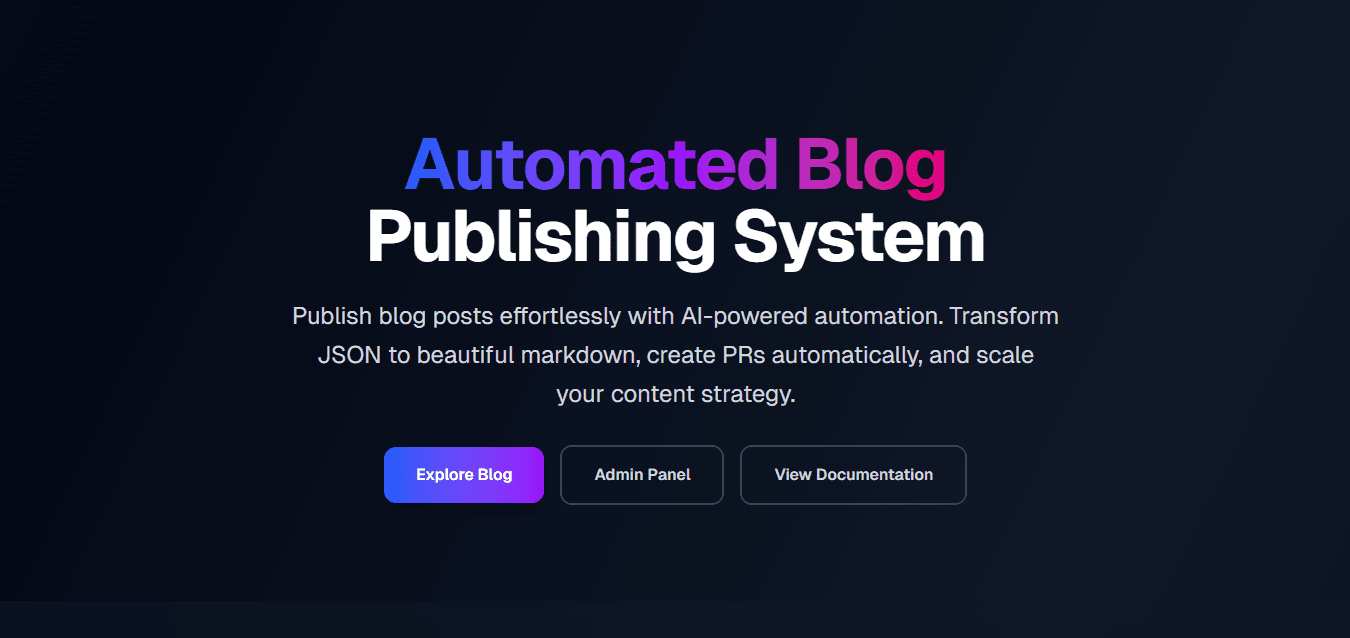
Blog Post Automation
Workflow Summary 1. Trend Discovery A scheduled n8n workflow runs weekly. An AI agent uses Google Trends (SerpAPI) to discover trending keywords related to a predefined topic. For each keyword, the AI generates a detailed writing prompt. The keywords and prompts are stored in Google Sheets, which acts as the content queue. 2. AI Blog Generation A second scheduled workflow reads the queued topics from Google Sheets. An AI blog writer generates complete SEO-optimized blog posts, including: SEO title Meta description Markdown content Tags Image suggestions All generated blogs are consolidated into a JSON file. 3. Automated GitHub Integration The workflow connects directly to a Next.js project's GitHub repository using the GitHub API. It: Retrieves the latest commit from the main branch. Creates a new feature branch. Uploads the generated blog JSON file. Automatically opens a Pull Request against main. 4. CI/CD Deployment After the Pull Request is reviewed and merged: The updated blog JSON becomes part of the main branch. Vercel detects the GitHub change and automatically triggers a new deployment. The latest blog content is published without any manual deployment steps. 5. Dynamic Sitemap Generation The Next.js application reads the blog JSON during runtime or build time. Blog pages are generated dynamically. The application also generates an up-to-date XML sitemap based on all available blog posts. This ensures newly published articles are immediately included in the sitemap, improving search engine indexing and SEO. 6. Notifications Once the Pull Request is created successfully, the workflow sends a Slack notification to inform the team that new AI-generated content is ready for review.
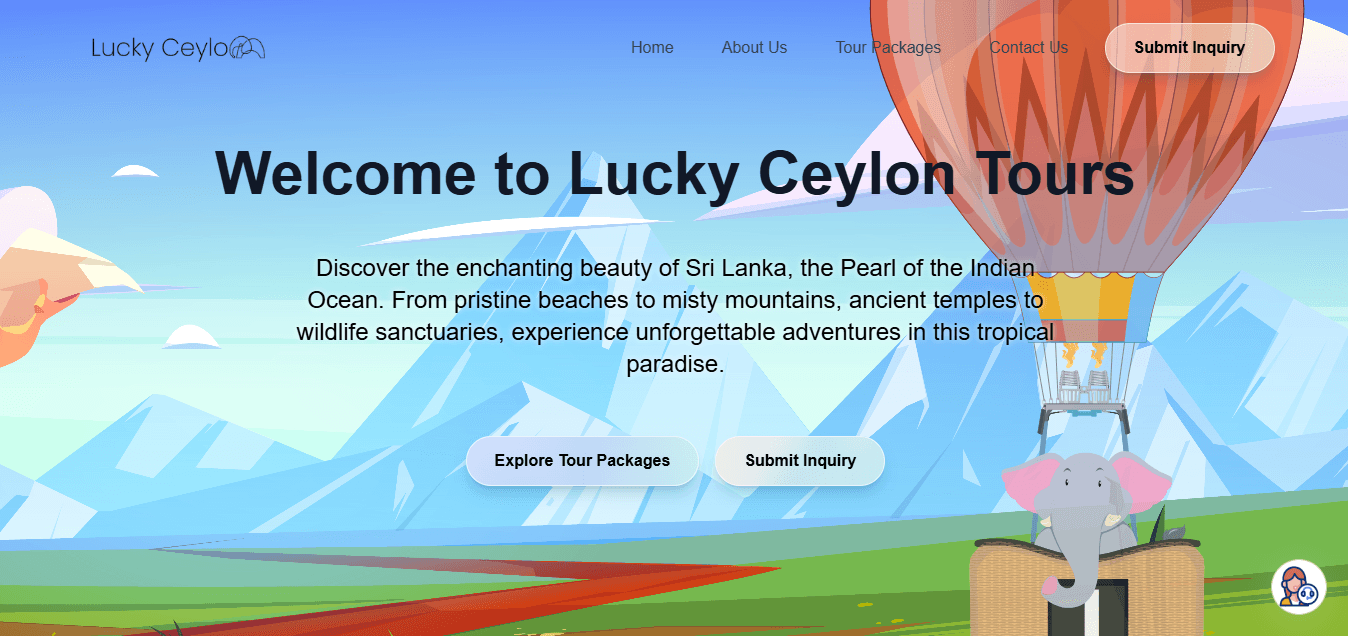
luckey ceylon
This is a Next.js travel website with a lightweight content management system powered by Google Sheets and Cloudinary. Users can browse travel destinations, explore activities, and submit inquiries, while administrators can securely manage places, activities, customer inquiries, contact messages, and homepage slideshows through a dedicated admin panel. Images are stored in Cloudinary, and all application data is managed in Google Sheets, making the system easy to maintain without a traditional database. The admin panel uses JWT authentication with bcrypt password hashing to ensure secure access.

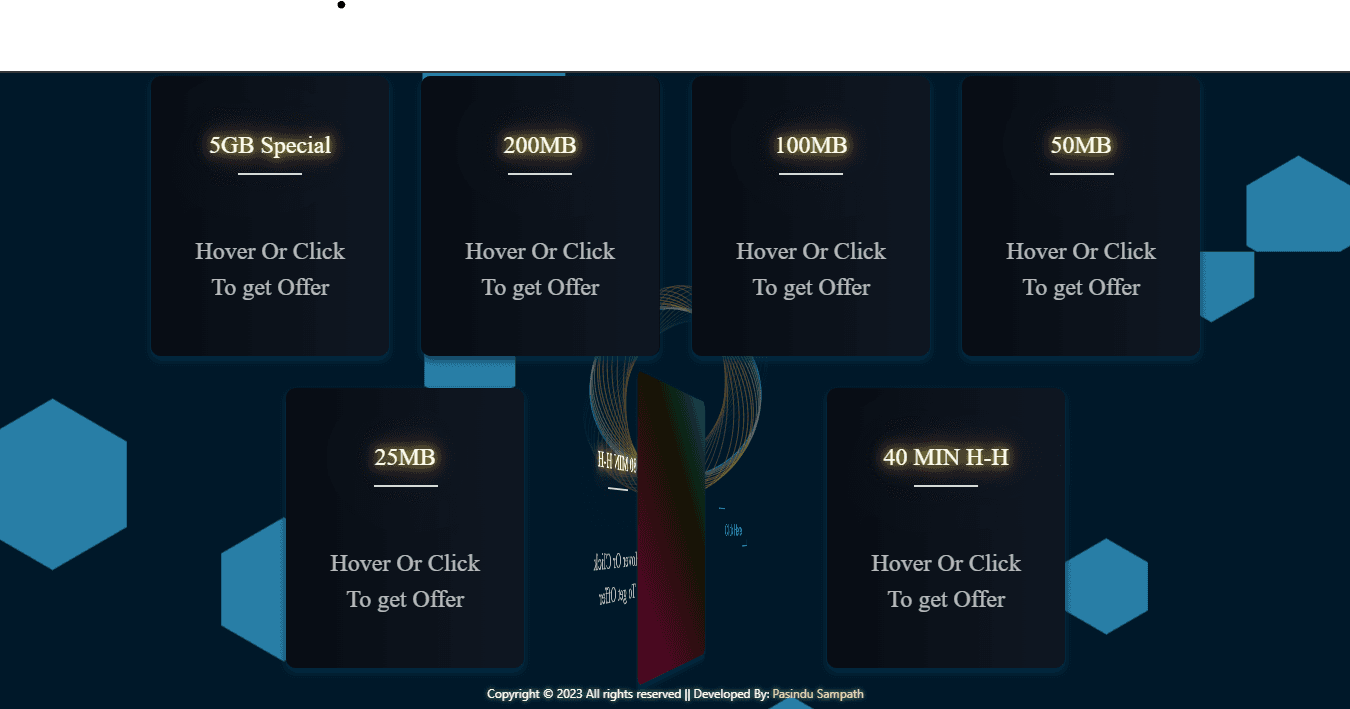
Data Dash
When I was learning API I just tried calling hutch api with different free data package codes and found there is a posiibility to activate old offers and build this app for that. then I cotact them and told that about the loop holes now the packages cannot activated